
Open and edit your construction budget online
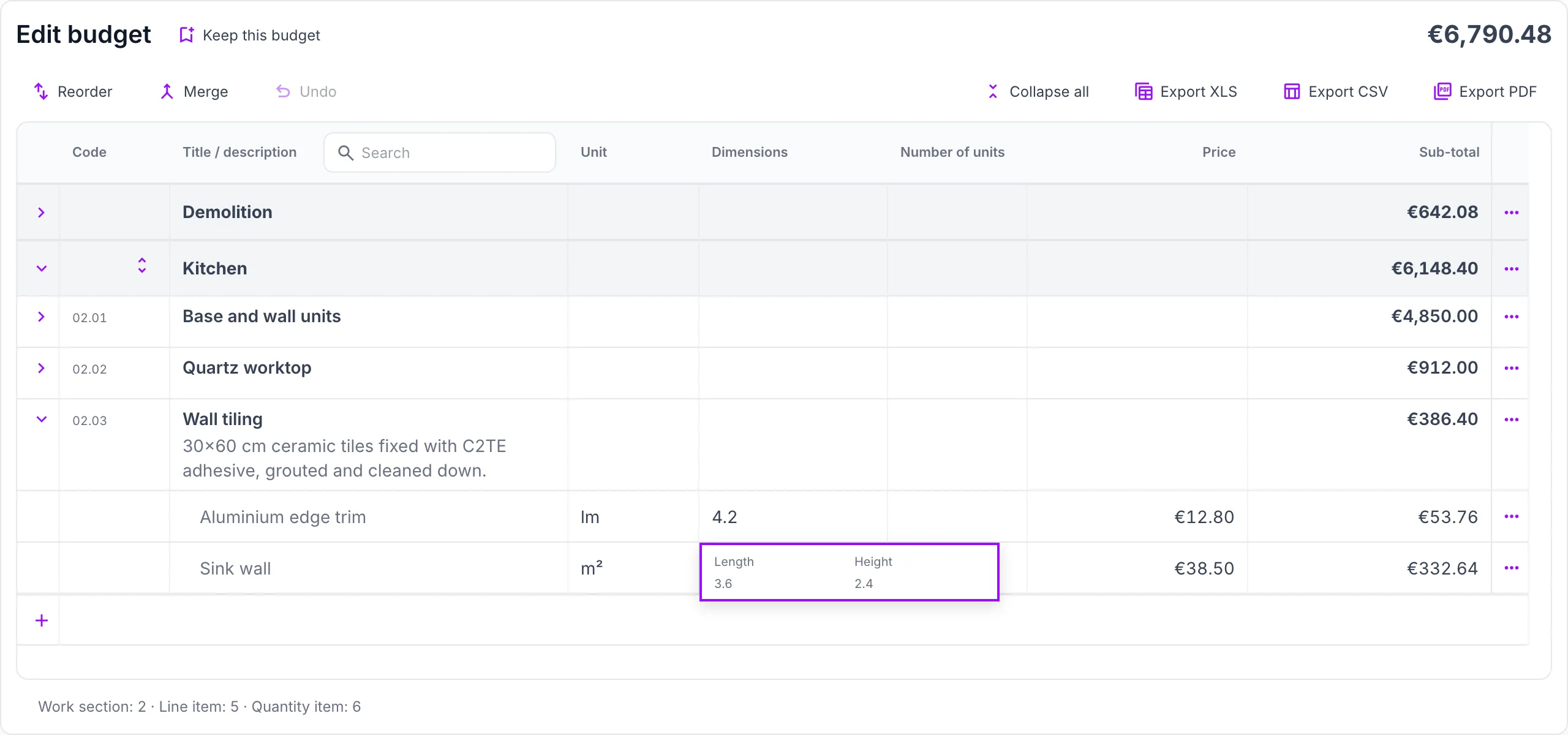
Import an estimate or bill of quantities, review chapters and line items, correct what needs it and export the result to Excel, CSV or PDF.
Free, within these limits
- Files up to 50 MB
- Up to 500 measurements per budget
- 20 AI extraction pages for files our template reader can't open
How it works
- 1
Import
Choose or drop your budget file.
- 2
Review and edit
Check chapters, line items, quantities and prices in the editor.
- 3
Export
Download the edited budget as Excel, CSV or PDF.
- 4
Keep it
Create your free Presuo account to keep this budget and move on to progress tracking, collaboration and progress certificates.
Your file stays private
- Only you can open your imported budget, from this browser.
- Imported budgets never create public or indexed pages.
- Unsaved budgets are deleted automatically.
Questions about the budget editor
Which files can I import?
Excel workbooks (.xlsx, .xls), PDF budgets and BC3 files. Workbooks that don't follow our template and PDFs we can't read directly can be extracted with AI, within the free allowance.
Do I need an account to export?
No. You can import, edit and export without signing up. An account is only needed to keep the budget and continue working on it.
Is my edited budget saved?
It stays available in this browser for 7 days. To keep it, save it in a free Presuo account.
Who can see my file?
Only you, from this browser. Imported budgets are private and never published.